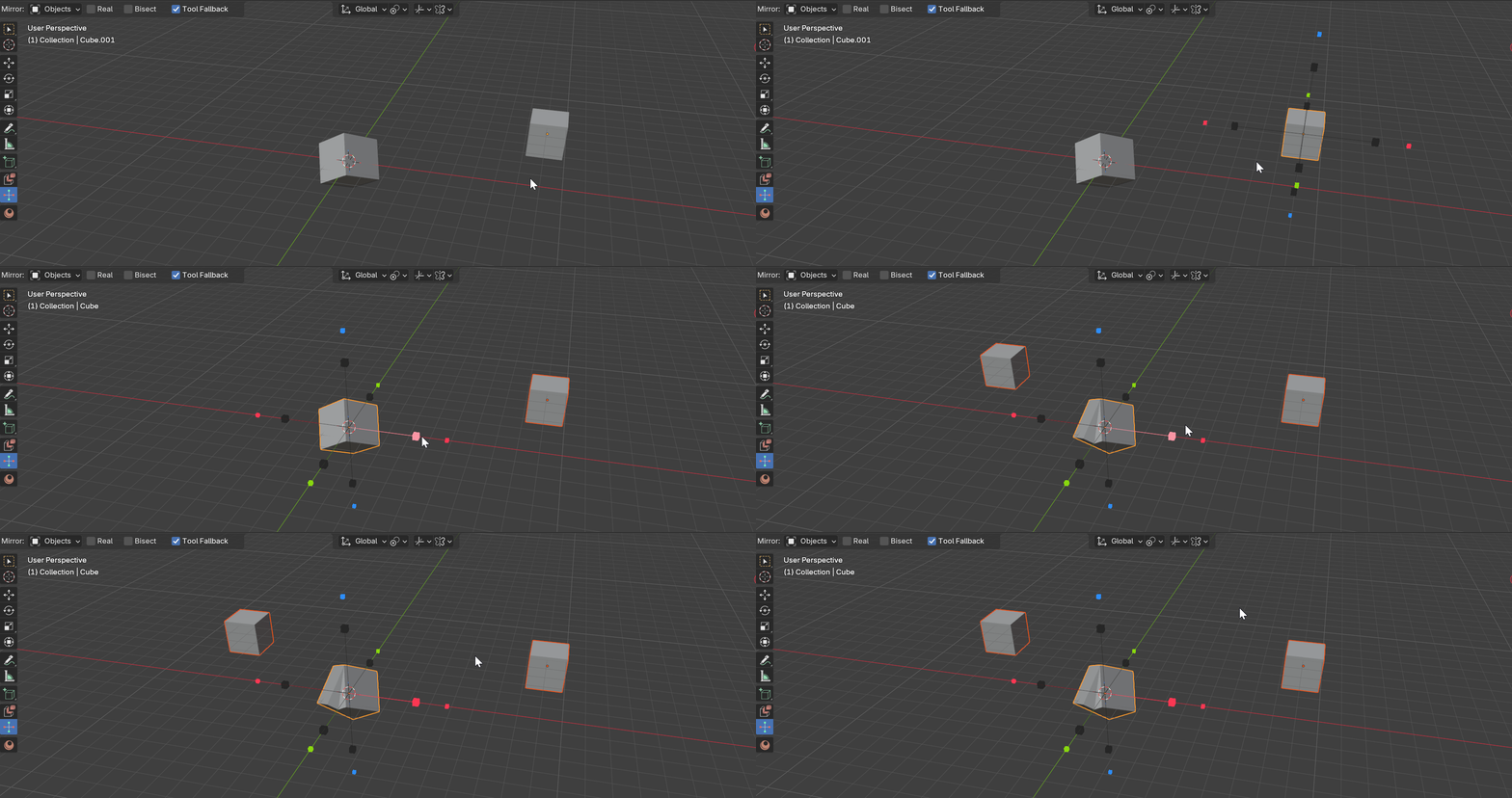
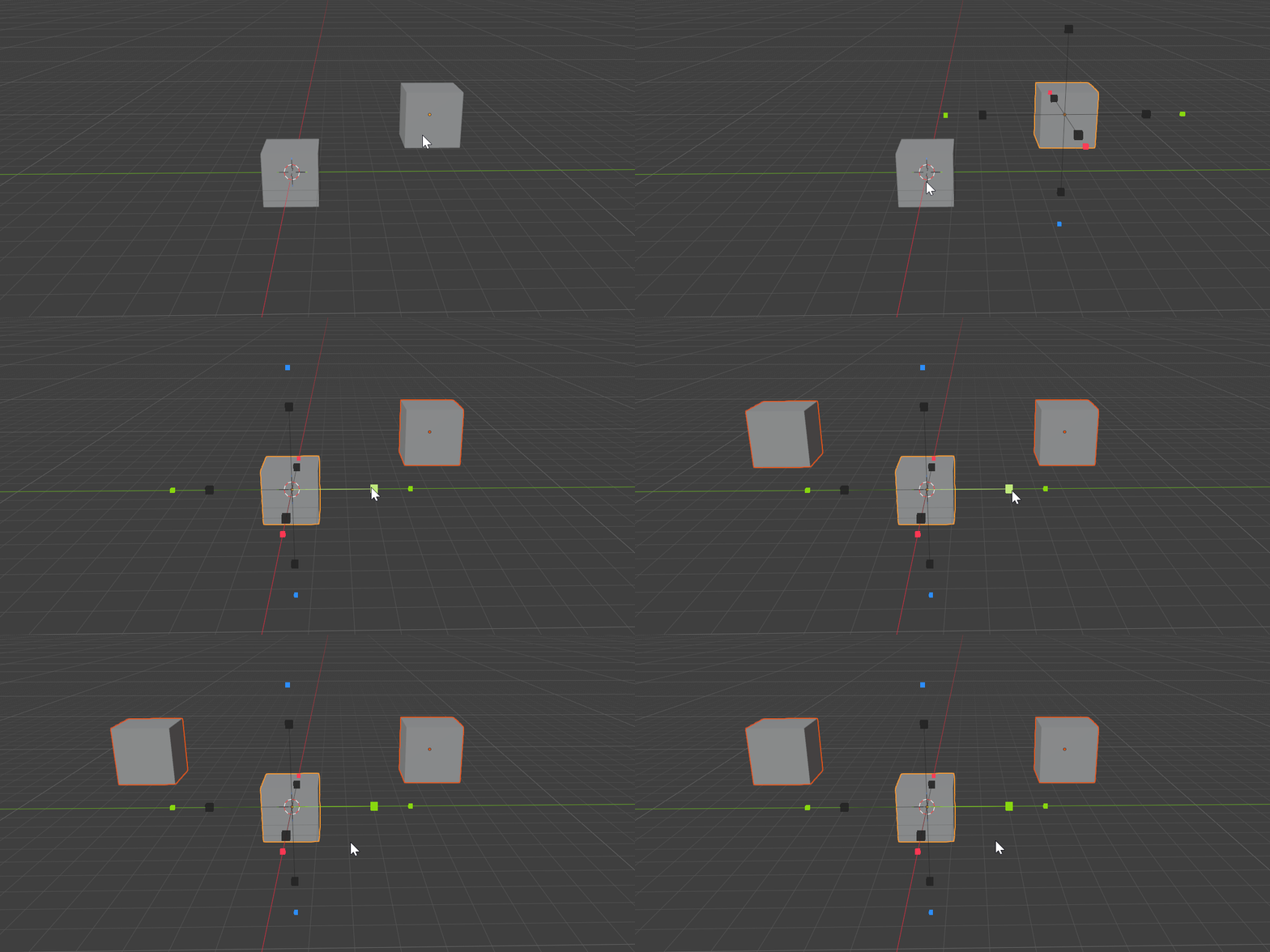
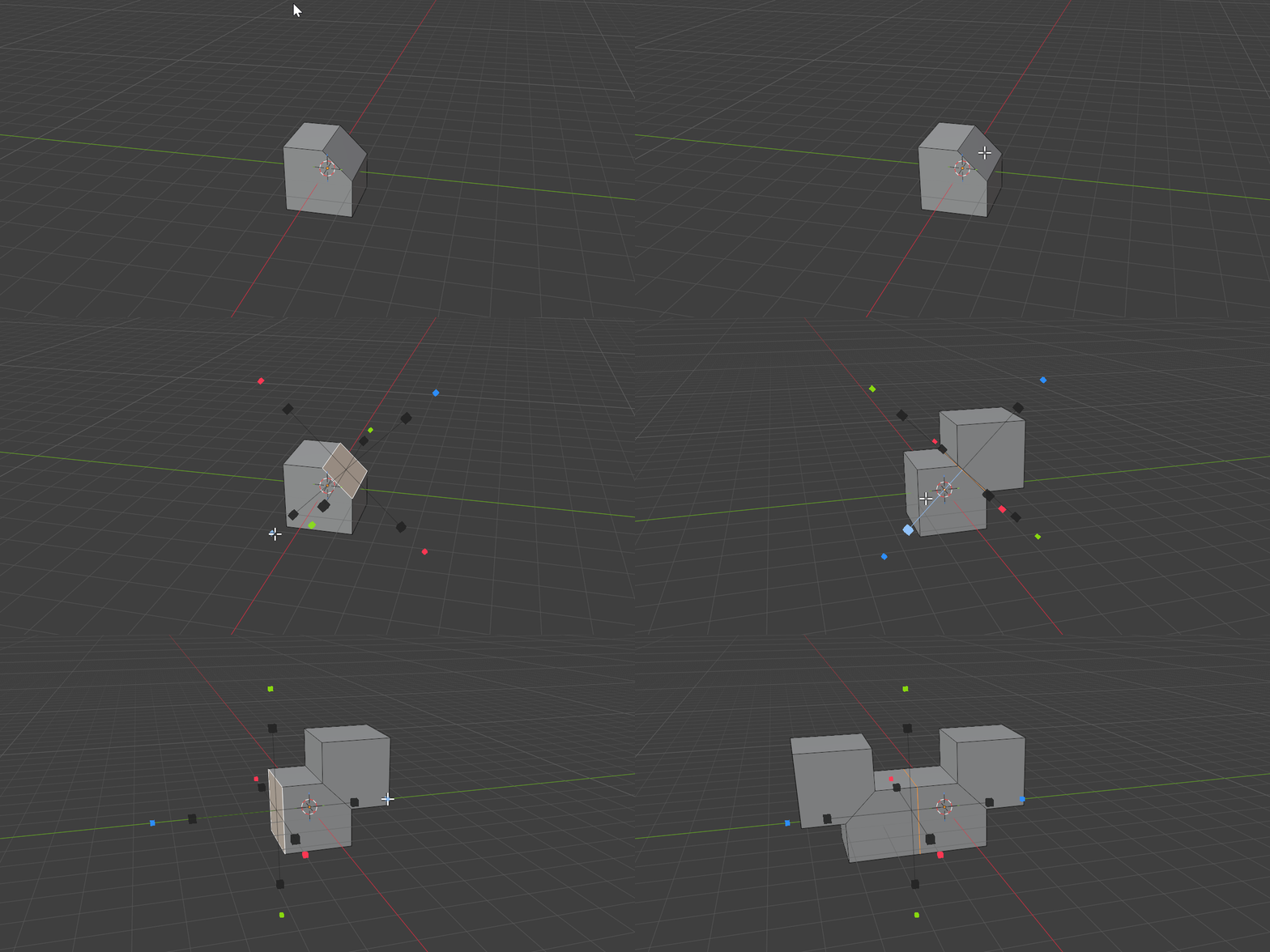
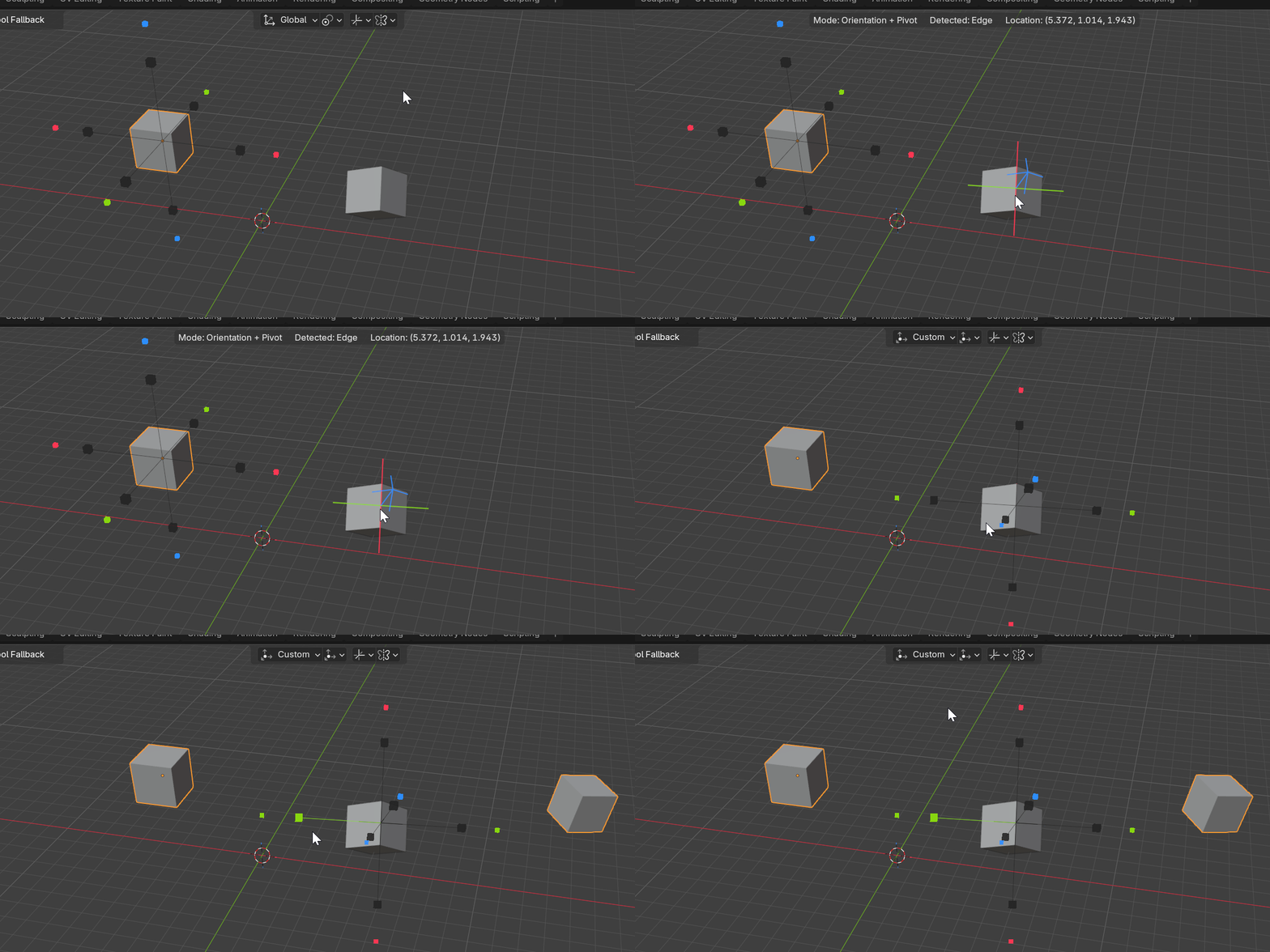
A gizmo-driven mirror tool that lives in the viewport. One key in Object mode or Edit mesh, click an axis, and Rotor builds the mirror — no modifier-stack hunting, no menu diving.
The same Alt+X works wherever you are. In Object mode Rotor drives live Mirror modifiers; in Edit mesh it symmetrizes real geometry across the plane you choose.

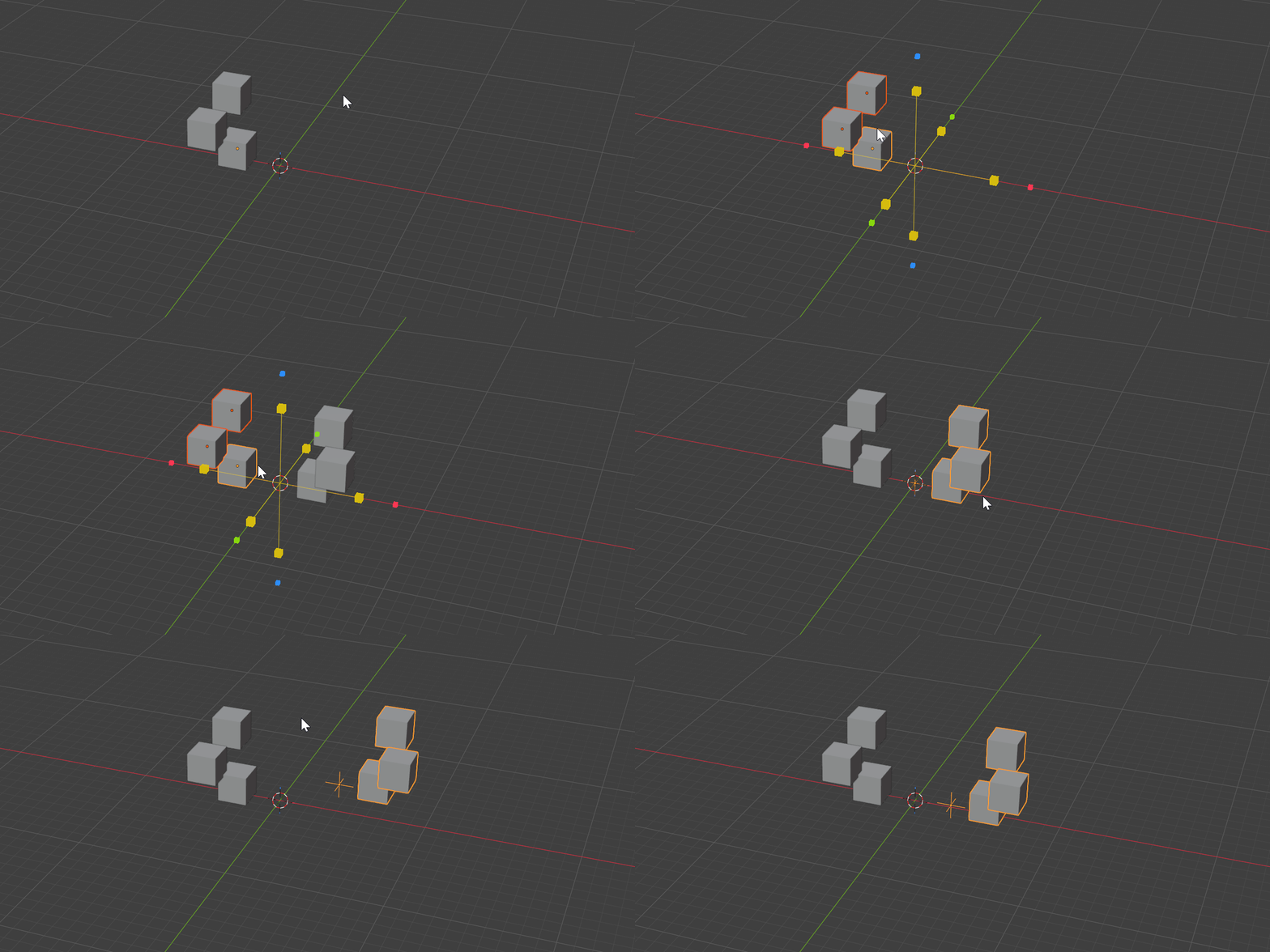
Click an inner arrow to add or edit your live, pinned Mirror modifier, or an outer square to add a fresh Mirror to the end of the stack. Non-destructive.

Arrows mirror just the selection; squares mirror the whole mesh. The plane follows your selection.
Rotor is a tight kit built around one idea: aim at the plane you want, and the mirror follows.
Press once to summon the gizmo, again to drop back to your previous tool. Six axis arrows — red X, green Y, blue Z — fade as they face the camera so the gizmo always reads clean.

Tap Space and aim at any vertex, edge or face. Rotor snaps a custom plane to the geometry under your cursor; Tab picks whether you set the orientation, the pivot, or both.

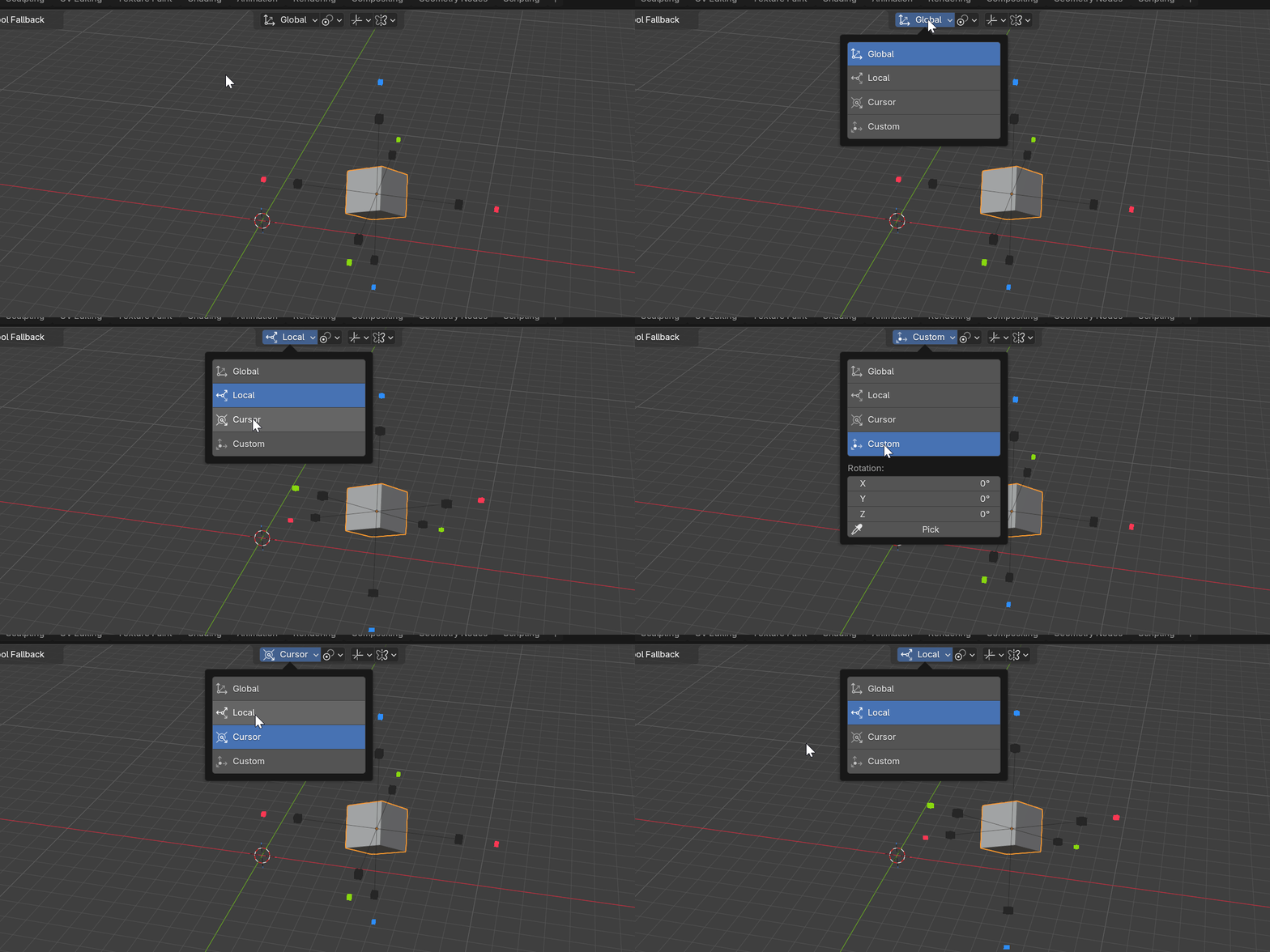
Global, Local, Cursor, Normal or Custom orientation. Active, Individual, World, Cursor, Median, Origin or Custom pivot. Cycle them live with Q and E without leaving the viewport.

Switch the element to Collections and a click instances the entire collection, mirrored, around your chosen pivot. Tweak the result anytime from the redo panel.

Stay in the viewport. Let Rotor handle the symmetry.